Introduction
Microsoft's Recall feature was pitched as a digital memory, an AI that continuously screenshots your desktop and lets you search everything you have seen. Security researchers immediately identified the problem: a system that records everything you do is functionally indistinguishable from spyware.
The feature logs visual data, not just text. That means passwords visible on screen, private messages, financial information, and anything else displayed during a computing session gets captured and stored locally. Within 11 days of the announcement, the backlash forced Microsoft to delay and restructure the rollout.
Recall continuously screenshots your desktop and stores it locally for AI-powered search.
What Exactly is Microsoft Recall? The Promise vs. The Reality
At its core, Recall is designed to be a digital memory. Imagine taking a photograph of your screen at every moment you use your PC, and then being able to search that massive archive with natural language queries. Did you see a flight confirmation code on a website last Tuesday? Recall promises to find it, showing you a visual snippet of the exact moment you saw it.
The pitch was simple: never lose a piece of information again.
However, the technical reality of how this "memory" works is far more invasive than the marketing suggested. To achieve this level of granular recall, the software must continuously and constantly monitor everything displayed on your screen. It doesn't just index documents; it records the visual feed of your entire computing session.
The Privacy Nightmare: Why Experts Call It an AI Keylogger
The term keylogger usually refers to malicious software designed to steal passwords. Recall is not malicious in intent, but its functionality overlaps significantly, and in some ways goes further, because it captures visual data rather than just keystrokes.
A system that records everything displayed on your screen captures passwords you type into login forms, private messages in chat windows, financial statements you review, medical records you access, and any other sensitive information that appears on your display. All of it gets stored locally as searchable screenshots.
Security researchers demonstrated that the stored data was accessible to any application running on the same machine. A piece of malware that gained basic user-level access could read the entire Recall database, effectively turning months of screen activity into an exfiltration target.
The storage mechanism also lacked meaningful encryption at launch. The screenshots were saved in a SQLite database in plaintext, meaning anyone with physical access to the device could browse the full history without credentials.
The 11-Day Collapse
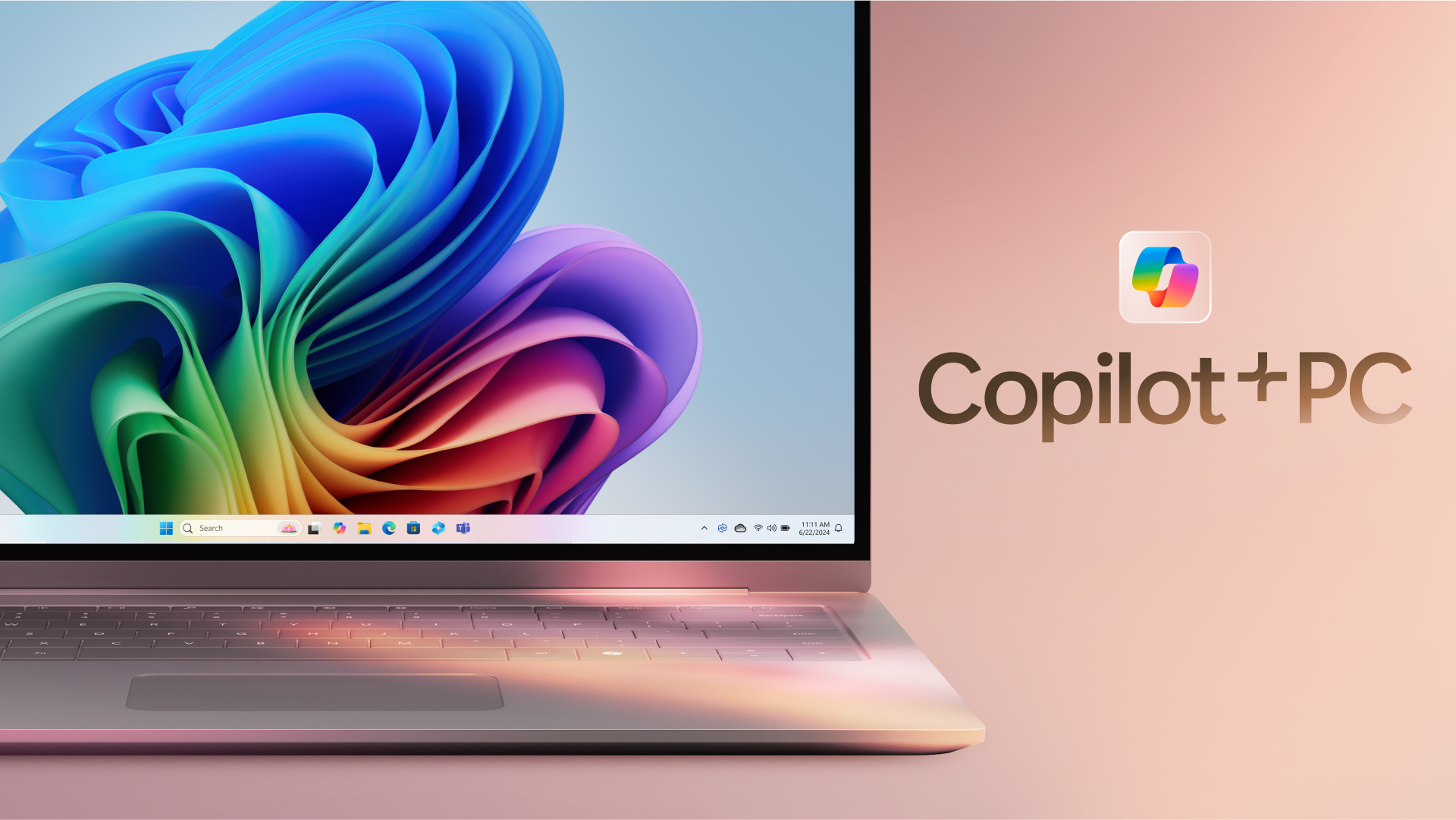
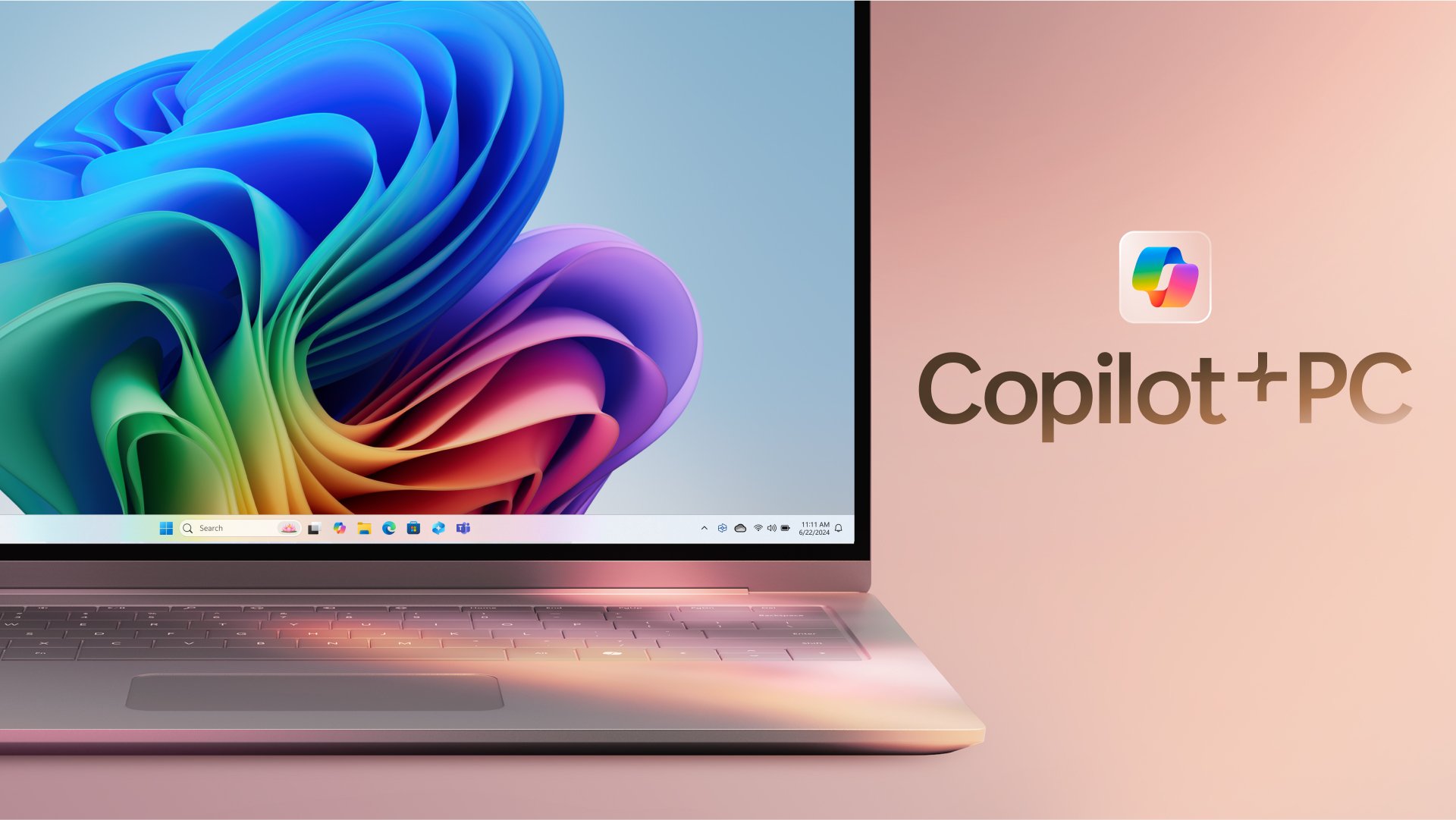
Microsoft announced Recall on May 20, 2024 as a flagship feature of the new Copilot+ PC lineup. By May 31, the company had pulled it from the public release entirely.
The timeline moved fast. Within 48 hours of the announcement, security researchers published proof-of-concept tools that could extract and read the Recall database. By day five, privacy regulators in the UK and EU had issued formal inquiries. By day eight, Microsoft announced Recall would shift from on-by-default to opt-in only. By day eleven, the feature was delayed indefinitely.
The speed of the reversal was unusual for Microsoft. It reflected not just public backlash but genuine technical concerns raised by the security community, concerns that the feature as designed could not be patched into safety without a fundamental architectural rethink.
What This Means for Users
Recall is not dead, Microsoft has stated it will return with stronger encryption, mandatory authentication before viewing screenshots, and opt-in activation. But the original design exposed a deeper problem in how AI features are being shipped.
The pressure to integrate AI into every product is leading companies to ship features that collect and store sensitive data in ways that traditional security review processes would normally flag. Recall passed through Microsoft internal review and made it to a public announcement before anyone asked the obvious question: what happens when malware reads this database?
For users, the lesson is straightforward. Any AI feature that records, indexes, or stores your activity locally creates a new attack surface. The convenience has to be weighed against what happens when that data is accessed by someone other than you.