Finding Mega Stones in Your Item Bag
After obtaining a Mega Stone through an event reward, the post-game merchant, or the Battle Point Shop, the stone is automatically placed in your Item Bag. Open the main menu by pressing the hamburger icon in the top right corner of the main screen, then select Bag from the navigation options. Mega Stones are stored in the Held Items pocket, which is represented by the diamond-shaped icon in the bag categories row. Scroll through the list until you find the specific Mega Stone you want to assign.
If you cannot find a Mega Stone in your bag, confirm that the item was actually delivered to your account. Some event rewards require navigating to the Gifts section of the main menu and claiming the item manually before it appears in your bag. Go to the main menu, select Gifts, find the relevant event reward entry, and tap Claim. The stone should then appear in your Held Items pocket.
Mega Stones have a distinct icon that appears as a glowing gem with the silhouette of the corresponding Pokemon etched into the surface. They cannot be sold or discarded, so they will remain in your bag permanently once obtained. Sorting your bag by type or by most recently received can help locate a newly acquired stone among larger item collections.
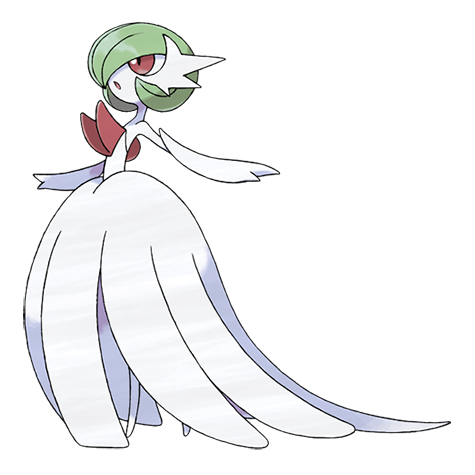
Players with extensive item collections may find it faster to use the search function in the item bag by tapping the magnifying glass icon and typing the stone name. Typing the Pokemon name, such as Gardevoir, will surface Gardevoirite in the results. This is the fastest path when you know the exact stone name and want to avoid scrolling through a crowded held items list.
Mega Stones are found in the Key Items or Held Items bag pocket depending on version
Assigning a Mega Stone to a Pokemon
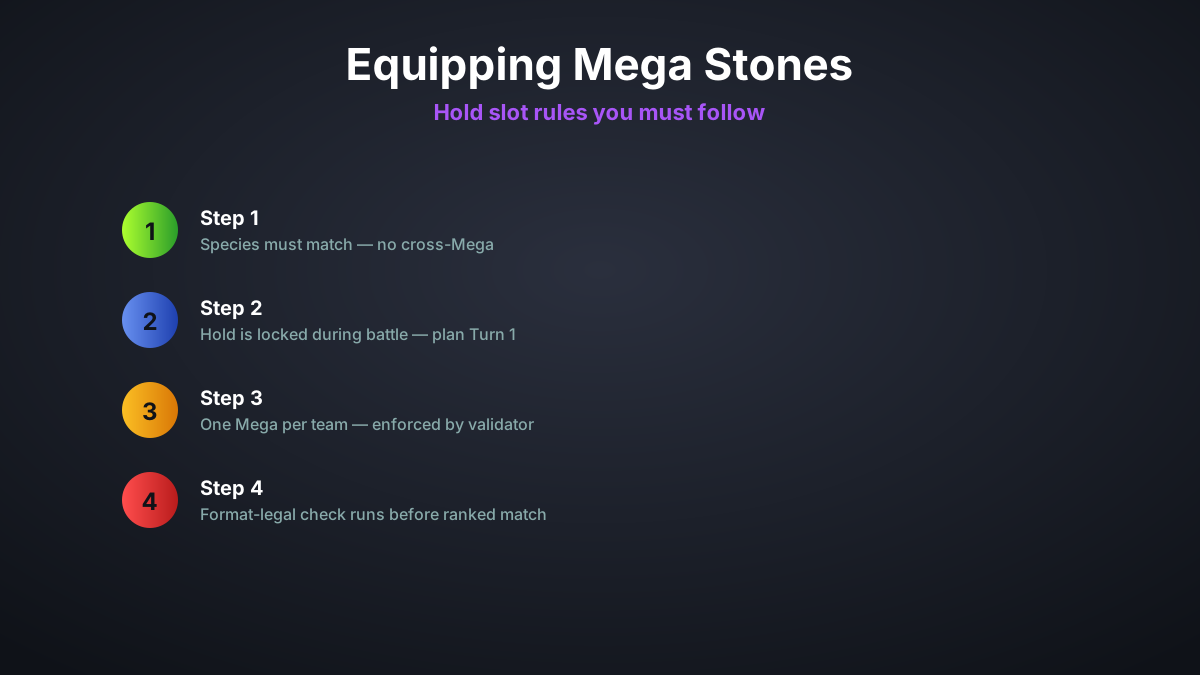
There are two ways to assign a Mega Stone to a Pokemon: through the Team Builder and through the Pokemon Summary page. In Team Builder, accessed from the main menu, tap on the Pokemon slot you want to assign the stone to, then tap on the Held Item section below the moves list. This opens a filtered item selector showing only items compatible with that Pokemon. Mega Stones for other Pokemon will appear greyed out and tapping them will show a notification explaining the incompatibility.
Alternatively, open the Pokemon Storage from the main menu, select the Pokemon you want, and tap its Summary page. Scroll down to the Held Item row and tap the empty item slot or the existing item if one is already assigned. Select the Mega Stone from the item picker that appears. Assigning the item from the Summary page updates the item assignment globally, so if that Pokemon is currently on a team it will show the stone in Team Builder automatically.
A Pokemon can only hold one item at a time. If you assign a Mega Stone to a Pokemon that already has a held item, a prompt will appear asking whether you want to replace the current item. The displaced item returns to your item bag and can be reassigned to another Pokemon. Be careful when doing this with rare or event-exclusive items as there is no undo function.
Confirming the assignment is successful can be verified on the Team Builder screen where the Pokemon portrait will show a small Mega Evolution indicator icon in the lower right corner of the slot. This icon confirms the stone is equipped and that the Pokemon is eligible to Mega Evolve during battle. If the icon is absent despite assigning the stone, exit Team Builder and re-enter to refresh the display.
Activating Mega Evolution During Battle
With the Mega Stone equipped and the Pokemon active on the field, Mega Evolution is triggered through the move selection interface. When it is your turn to select a move, a button labeled Mega appears on the right side of the move selection panel, typically shown as a glowing spiral symbol. Tap or select this button before confirming your move to activate Mega Evolution on that turn. The transformation occurs at the start of the turn before any moves are executed.
You can select the Mega button without selecting a specific move first, or you can select your move first and then tap Mega before confirming. Both approaches produce the same result. The move you select will be executed by the Mega-Evolved form of your Pokemon, benefiting from any stat, type, or ability changes that occur during the transformation.
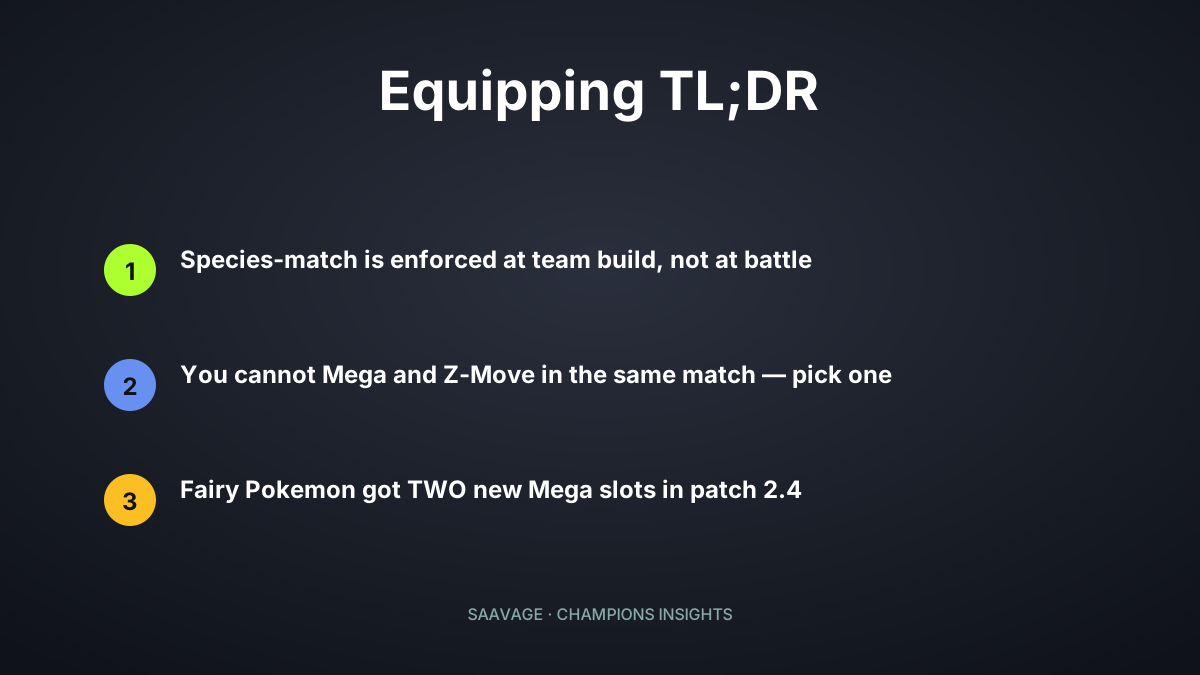
Once you activate Mega Evolution in a battle it cannot be reversed. Tapping the Mega button a second time will not revert the Pokemon. The transformation is permanent for that battle. The Mega button also disappears after one use per battle since each player may only Mega Evolve once per match. If you accidentally tapped Mega when you intended a regular move, you will need to proceed with the Mega Evolution as planned.
If your Mega-capable Pokemon is knocked out before you activate Mega Evolution, the opportunity is not lost entirely. If you have a second Pokemon on your team with a different Mega Stone, you may still Mega Evolve that Pokemon later in the battle. The one Mega Evolution per battle rule applies to the number of transformations triggered, not to the number of Pokemon carrying Mega Stones.
Troubleshooting Common Issues
The most common issue reported by new players is the Mega button not appearing during battle. This occurs when the Mega-capable Pokemon is not the active battler. You must switch the Pokemon with the Mega Stone into an active field position before the Mega button appears. You cannot trigger Mega Evolution from the bench or via a mid-turn switch in the same turn you intend to Mega Evolve.
Another frequent problem is receiving an error when trying to equip a Mega Stone that says the item cannot be used here. This error appears if you try to assign items during a live battle, in a rental team match, or in certain special game modes where held items are disabled. Exit to the main menu and assign the stone through Team Builder before entering the relevant game mode.
If your Mega Stone was Knocked Off by an opponent Knock Off move during battle, the Mega button will not appear even if the Pokemon is on the field. Knock Off removes the held item before Mega Evolution can be triggered, and the stone cannot be recovered mid-battle. This is a known and intentional mechanic. After the battle the stone returns to your item bag and must be re-equipped.
Players transferring Pokemon from earlier game titles via Pokemon Home sometimes report the Mega Stone arriving without the held item transfer. This is expected behavior because Mega Stones are game-specific items and are not transferred via Home. The Pokemon transfers cleanly but arrives in Pokemon Champions without a held item. You must obtain the Mega Stone through the normal in-game acquisition methods and equip it manually.